The First 30 Days: Reputation & Google Profile Checklist for New Restaurants
A practical, day-by-day launch roadmap for new or rebranded restaurants to set up and verify your Google Business Profile, gather early reviews, choose starter photos, and avoid common mistakes that delay local visibility.
Welcome — what you’ll get from this checklist
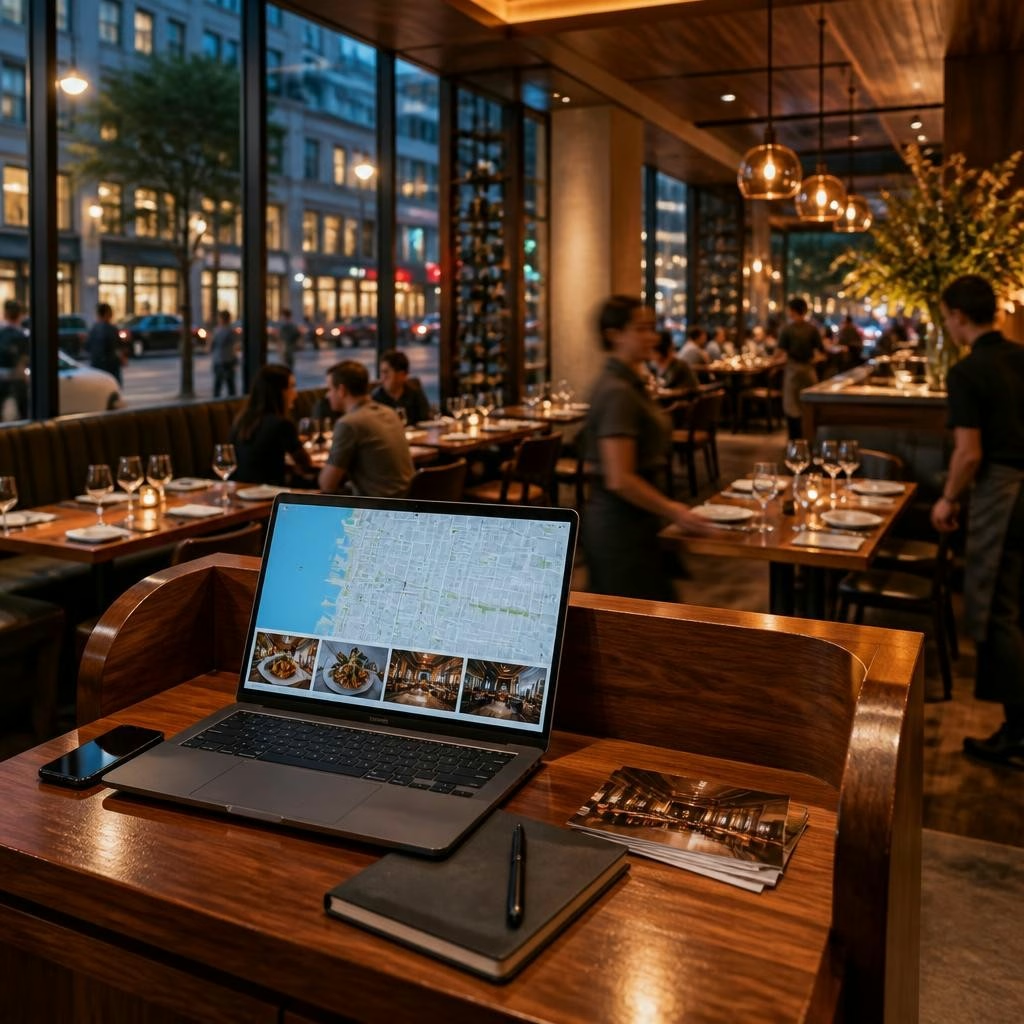
Congratulations — opening or rebranding a restaurant is a huge milestone. In the first 30 days your online profile will shape how guests find and decide to visit. This article walks you through the highest-impact tasks to set up and verify your Google Business Profile, collect the kinds of early feedback that matter, pick starter photos that tell your story, and avoid setup mistakes that slow local visibility. Think of these as practical, doable actions you can complete in the first month.
Why the first 30 days matter for visibility
Search engines and guests form early impressions from limited signals: whether your profile is verified, the category you chose, your hours, photos, and the first reviews. Getting these right quickly helps search engines recommend your place confidently and gives potential diners a consistent impression that matches the experience in the room. The faster you present clear, accurate proof of what you offer, the sooner local diners and recommendation engines will start showing you to the right people.
Day 0–3: Claim and verify your Google Business Profile
Start by claiming the business profile for the exact restaurant name you use on signage and menus. Follow Google’s verification flow to complete verification — this is the single most important action for local visibility. While you’re in the dashboard, confirm your primary category (choose the closest restaurant-related category), add a reliable phone number, and link to your official website or online menu. If you serve or deliver beyond your address, set the service area accurately rather than listing multiple storefront addresses.
Day 3–7: Fill every essential field carefully
Complete every field Google offers: hours (including holiday exceptions), accepted payment methods if shown, a concise business description that uses real guest-focused language, menus or menu links, and reservation or ordering links if you use them. Use the business description to explain what makes your place special — but keep it accurate and not promotional. Consistency matters: make sure the name, phone number, and website match what appears elsewhere online to avoid confusion.
Choose starter photos that show what diners care about
Pick 8–12 high-quality images to begin with: a clear exterior shot so people can find you, one or two interior photos showing the dining atmosphere, several closeups of signature dishes, and a friendly team or service moment that conveys hospitality. Avoid overly edited or stock-like images; authentic-looking photos that reflect the real dining experience help both guests and search engines. Replace or add more photos as you gather real guest images.
Seed early, authentic reviews (ethically)
Early reviews help people and algorithms learn what you do well. Ask regulars, staff friends, or community supporters to leave honest feedback about their experience — but never offer incentives for positive reviews. Make it easy: include a short QR code on receipts or a link in confirmation emails that directs guests to your profile. Encourage feedback about specific things (a dish, service, atmosphere) so future responses and posts can quote real guest language.
Respond early and thoughtfully to every review
Responding quickly to the first reviews sets a tone. Thank guests for specifics they mention, and address concerns with a sincere plan for improvement rather than promises. Use customer words when appropriate to show you listened. These replies are read by future diners and by search systems that look for active, engaged businesses. Also publish a few short Google Posts or social updates about opening details, seasonal menu items, or booking windows to keep your profile fresh.
Set up monitoring and content workflows (your Local Trust check)
Decide who will monitor reviews, questions, and profile updates daily. Track mentions on social and review sites so issues don’t go unnoticed. Use a simple workflow: collect guest feedback, convert repeat comments into proof points (e.g., common praise about a dish or the service), and turn those into review replies, social posts, and website content. Tools like a Local Trust approach help prioritize what proof is missing and what to improve first so your profile reflects the in-room experience.
Common setup mistakes to avoid
Avoid duplicate or unverified profiles, inconsistent business names or phone numbers across directories, broken website or menu links, and low-quality photos that don’t show the real experience. Don’t list services or attributes you don’t actually offer. Also avoid delaying responses to early guest questions and reviews — neglect can create a perception mismatch. Fixing these issues early prevents mixed signals that slow local discovery.
A simple 30-day action plan and next steps
Week 1: Claim and verify your profile, set core fields, upload starter photos. Week 2: Seed honest reviews and set review-monitoring responsibilities. Week 3: Publish initial posts, respond to first reviews, and check links and categories. Week 4: Review incoming feedback, convert common guest words into reply templates and social content, and identify any proof gaps (missing photos, weak menu descriptions) to prioritize. If you’d like help turning guest language into review replies, social posts, or a prioritized optimization plan, RepUpgrade offers Business Profile Optimization, review-response support, and marketing content services tailored to independent restaurants across the United States — including local help for places like Aberdeen, SD.
Article by
RepUpgrade
Digital Cowboy helps consultants and small businesses turn their expertise into authority, trust, and opportunity. Through the ACT Framework—Authority → Conversion → Traffic—we connect clear positioning, expert conversations, articles, video, and community into a system that helps the right people discover and choose your business. RepUpgrade extends that approach through reputation. Our human-supported AI system turns customer feedback into on-brand review responses, social content, articles, and actionable insights. Established website, SEO, local marketing, and reputation agencies can add recurring revenue through co-branded or full white-label partnerships while controlling their pricing, brand, and client relationships.