Restaurant Owner’s Guide to Google Business Profile: Settings That Actually Matter for Walk‑In and Dine‑In Traffic
A practical, step‑by‑step guide for restaurant owners on which Google Business Profile fields move the needle for walk‑in and dine‑in customers—how to set categories, attributes, photos, menus, and avoid common setup mistakes.

Why your Google Business Profile matters for in‑room customers
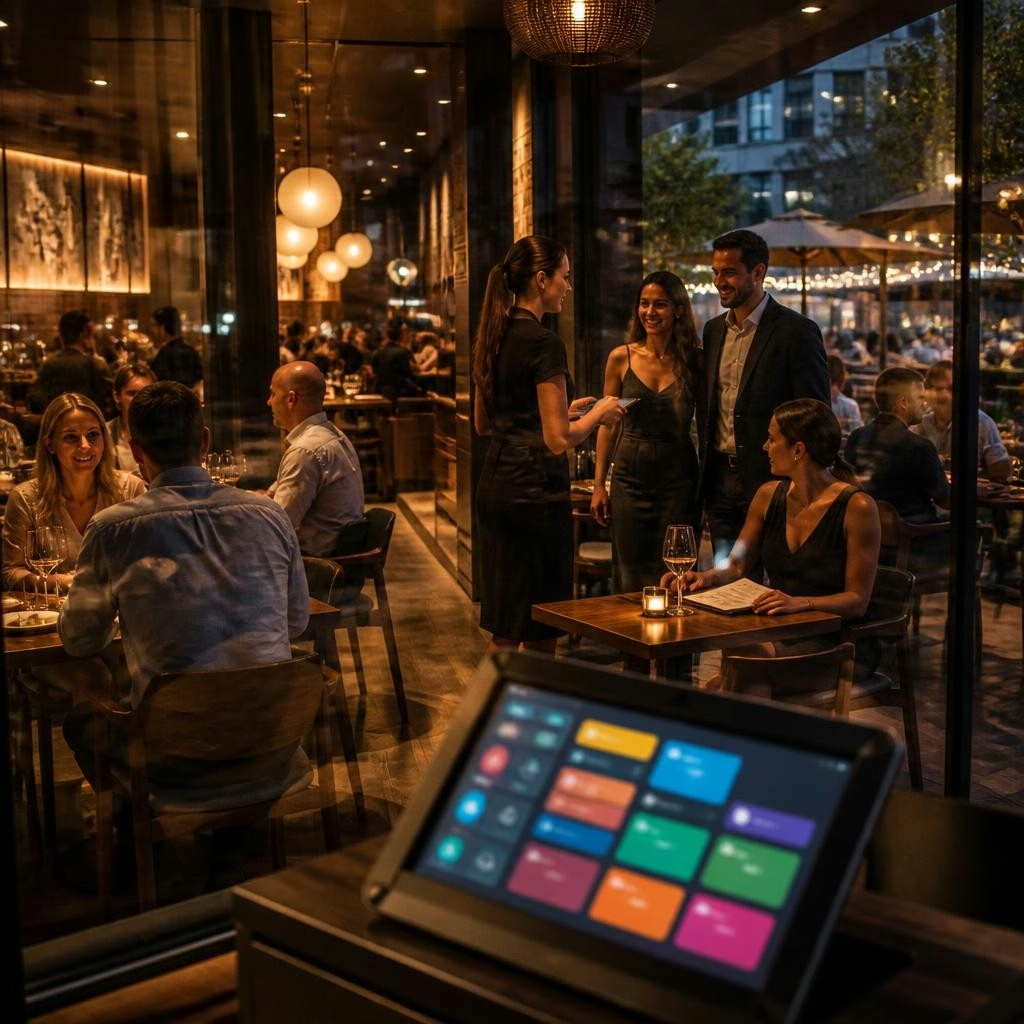
When a hungry person searches nearby, your Google Business Profile (GBP) is often the first thing they see. For restaurants, GBP does more than list hours — it signals whether you take reservations, have outdoor seating, show real food photos, and keep an accurate menu. Getting the right fields filled out helps Google surface your place to people ready to walk in, and it answers the basic questions guests have before they step through the door.
Start with the right primary and additional categories
Choose the most specific primary category that describes your core offering (for example, 'Italian restaurant' instead of just 'restaurant') and add sensible additional categories that reflect key services (like 'Breakfast restaurant' or 'Bar'). Categories tell Google what your business is about; selecting the closest match improves relevance for searches and helps attract diners looking for what you do best.
Use attributes to match visitor intent
Attributes (reservations, delivery, takeout, outdoor seating, wheelchair accessible, etc.) are simple toggles that answer common guest questions. Turn on attributes only when they’re accurate. For walk‑ins, clearly displayed seating options and whether reservations are accepted can change a searcher’s decision immediately. If you change service style seasonally, update attributes promptly so search results reflect reality.
Photos that convert curious searchers into guests
High‑quality, recent photos are one of the most persuasive GBP elements. Include a mix: exterior (so guests can find you), interior seating (to show atmosphere), plated dishes (what people actually order), and staff‑in‑action (friendly service). Keep images honest — over‑edited or misleading photos create disappointed guests. Aim for consistency in lighting and crop so your profile looks professional and appetizing on mobile and desktop.
Menus: clarity beats mystery
A clear, up‑to‑date menu on your GBP removes friction. Use the menu link field to point to a simple, mobile‑friendly menu (PDFs are OK but a quick web page is better). Make sure prices and key items are accurate; show sections (starters, mains, kids, drinks) and highlight any specials or seasonal menus. If you change your menu often, note that on posts or in the menu description so guests know what to expect.
Photos, menus and attributes: details diners care about
Guests searching for a place to eat look for a few trusted signals: seating options, popular dishes, price range, and how easy it is to get a table. Use GBP fields to surface those signals: add a short ‘from the business’ description, mark your price level, enable booking links where possible, and keep the menu and photos synchronized. Small details like accurate opening hours for holidays and service changes matter a lot to walk‑in traffic.
Use Google Posts and offers to attract immediate visits
Google Posts let you share daily specials, limited‑time offers, or a heads‑up about available seating. For walk‑in customers, a timely post about a weekend special or a late‑afternoon happy hour can tip the decision to stop by now. Keep posts concise, include a clear call to action if relevant, and remove or update posts when the promotion ends so your profile stays current.
Common setup mistakes to avoid
Avoid a few recurring pitfalls: using vague categories, leaving attributes blank, posting low‑quality photos, linking an old or hard‑to‑read menu, and forgetting to update holiday hours. Another common error is duplicating profiles or listing an address where you don’t actually seat guests; that creates confusion in search and can hurt visibility. Clean, truthful, and regularly reviewed information performs best.
Measure what matters and iterate
Track simple signals to see if GBP updates are working: increases in profile views, clicks to the website or directions, calls, and bookings attributed to your profile. Google Business Profile Insights provides a basic view; pair that with your POS or reservation system to spot lift in walk‑ins or cover counts after a profile change. Make small updates, measure for a few weeks, and then refine—GBP is a living asset, not a one‑time task.
How RepUpgrade can help you turn real guest praise into better GBP performance
If you run a restaurant and want your online presence to match the experience you serve, RepUpgrade helps bridge the gap. We focus on profile optimization, review response, and turning customer words into useful content that strengthens GBP signals. For restaurants in Aberdeen, SD and across the United States, we can audit categories, attributes, photos, and menus, point out quick fixes, and help you keep the profile accurate and inviting. If you’re unsure where to start, a concise audit often reveals the highest‑impact changes to drive more walk‑ins and dine‑ins.
Article by
RepUpgrade
Digital Cowboy helps consultants and small businesses turn their expertise into authority, trust, and opportunity. Through the ACT Framework—Authority → Conversion → Traffic—we connect clear positioning, expert conversations, articles, video, and community into a system that helps the right people discover and choose your business. RepUpgrade extends that approach through reputation. Our human-supported AI system turns customer feedback into on-brand review responses, social content, articles, and actionable insights. Established website, SEO, local marketing, and reputation agencies can add recurring revenue through co-branded or full white-label partnerships while controlling their pricing, brand, and client relationships.