Menu, Photos, Reviews: Three Proofs That Turn Browsers into First-Time Diners
Mabel explains how clear menus, honest photos, and helpful reviews work together across Google, your website, and delivery platforms to reduce risk for new guests — plus practical steps restaurants can use right away.

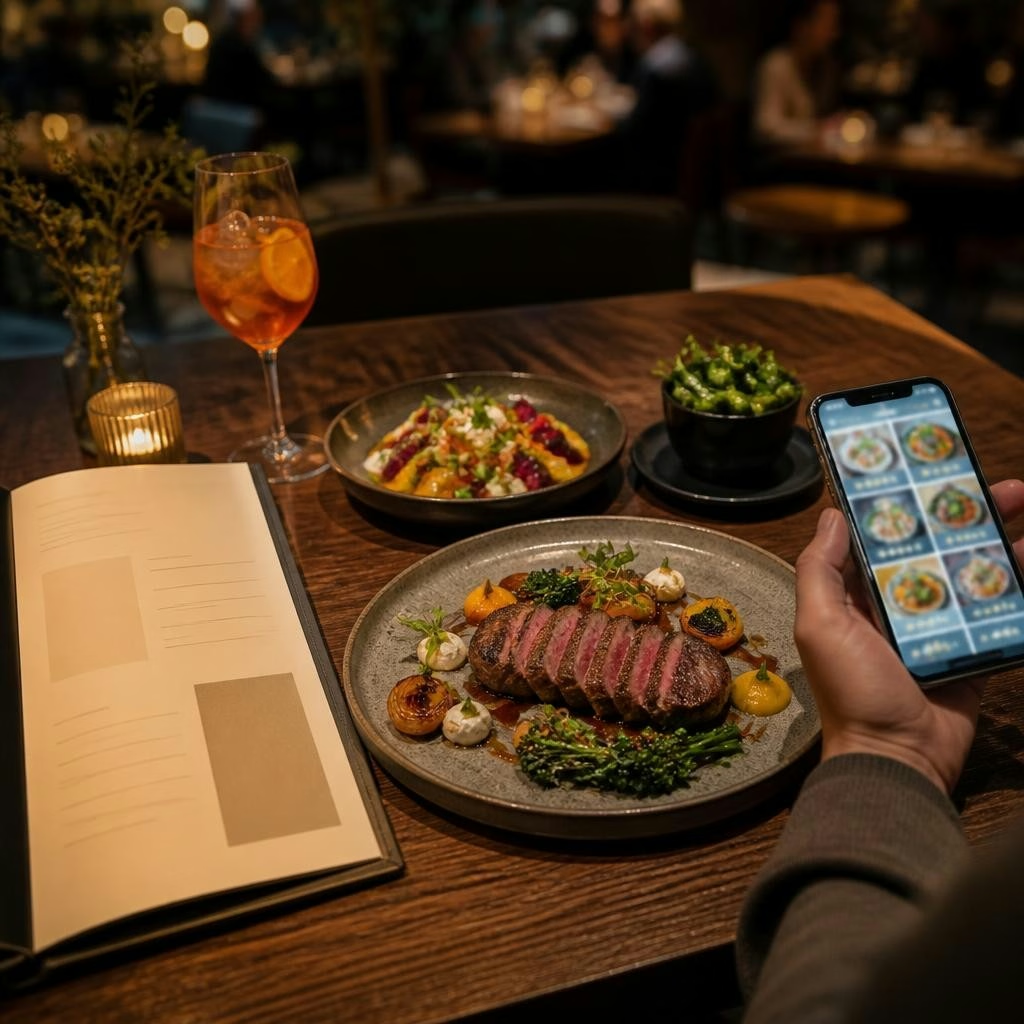
Why online proof matters for first-time guests
When someone chooses a new restaurant they’re weighing a handful of unknowns: Will the food match the photos? Is the menu what they expect? Will service or timing be a problem? Menu clarity, high-quality photos, and genuine reviews are the three proofs that answer those questions quickly. Together they reduce perceived risk and make it easier for a guest to click “reserve,” “order,” or “drive over.”
Proof 1 — Menus that remove uncertainty
A menu isn’t just a price list; it’s a promise about what a guest will get. Clear dish names, short appetizing descriptions, up-to-date availability and sensible organization help people find what they want fast. Call out signature items, note important dietary details (like vegetarian or allergen information), and avoid jargon that only insiders understand. When guests can picture a dish from its name and description, they’re more likely to try it.
How to make your menu consistent across platforms
Update your menu everywhere it appears: Google Business Profile, your website, and any delivery or reservation platforms you use. Use the same dish names and descriptions so guests don’t get confused when they compare listings. Keep a single, editable master menu file so changes propagate easily, and make small notes on platform-specific constraints (for example, shorter descriptions for some apps). Consistency builds trust—mismatched menus create doubt.
Proof 2 — Photos that show what you really serve
Good photos set accurate expectations. Prioritize images that show the dish as it appears when served: plating, portion size, and typical garnish. Include a few interior shots so people grasp the atmosphere and a team photo or behind-the-scenes image to show hospitality. Aim for honest, well-lit images rather than overly edited scenes; guests appreciate photos that match reality because surprises are the quickest way to disappointment.
Photo best practices for Google, your site, and delivery apps
Different platforms display images differently, so keep variety in your library: close-ups of plated food, overhead shots for shared plates, and wider shots for dining room context. Add helpful captions and alt text on your website and on platforms that support it — a short line that names the dish and mentions a highlight (house-made sauce, locally sourced ingredient) helps search engines and guests. Regularly refresh photos when menu changes or plating evolves so visuals stay current.
Proof 3 — Reviews that answer the unasked questions
Reviews are social proof, but the most useful ones do more than praise: they explain what was enjoyed and why. Reviews that mention a specific dish, how the service felt, how busy it was, or how special requests were handled help future diners imagine their own visit. They also surface proof points you can use in replies and marketing — for example, consistent praise about a signature burger can become a highlight on your menu and in photos.
Aligning menus, photos, and reviews so they reinforce each other
The three proofs work best when they tell the same story. If a menu lists “smoked pork shoulder with cider glaze,” your photo and a highlighted review should reflect that dish’s look and flavor. Use review snippets (not verbatim quotes) to inspire photo captions and menu adjectives. When guests see the same key phrases and visuals across Google, your website, and delivery apps, those cues build confidence and reduce friction at decision time.
A practical checklist you can use today
Start with a quick audit: 1) Compare dish names and descriptions across Google Business Profile, your website, and delivery listings; make them match. 2) Pull your five best recent photos and check they represent current plating and portions. 3) Read recent reviews and note recurring praise or concerns about food, service, or timing. 4) Prioritize changes that remove friction for first-timers (clarify an ambiguous dish name, replace a misleading photo, or respond to a common question in your menu). Small, consistent fixes add up.
How RepUpgrade can help bring the three proofs together
RepUpgrade is built for restaurants that already do great work in the room but need their online reputation to reflect that experience. Our Local Trust Engine helps owners understand what guests are saying, where proof is missing, and what to improve first. We turn real customer words into review replies, social posts, articles, and reputation signals, and we offer profile and Google Business Profile optimization so your menu, photos, and reviews align across platforms.
Next steps: small changes that make a big difference
You don’t need a complete overhaul to increase first-time bookings or orders. Start with a focused 30–60 minute audit of menu names, five representative photos, and your latest reviews. Tidy what’s inconsistent and ask a few recent guests to mention specific dishes in reviews. If you’d like help turning customer feedback into clear online proof, reach out to RepUpgrade — we’ll help you prioritize fixes and create content that honestly represents the dining experience you deliver.
Article by
RepUpgrade
Digital Cowboy helps consultants and small businesses turn their expertise into authority, trust, and opportunity. Through the ACT Framework—Authority → Conversion → Traffic—we connect clear positioning, expert conversations, articles, video, and community into a system that helps the right people discover and choose your business. RepUpgrade extends that approach through reputation. Our human-supported AI system turns customer feedback into on-brand review responses, social content, articles, and actionable insights. Established website, SEO, local marketing, and reputation agencies can add recurring revenue through co-branded or full white-label partnerships while controlling their pricing, brand, and client relationships.